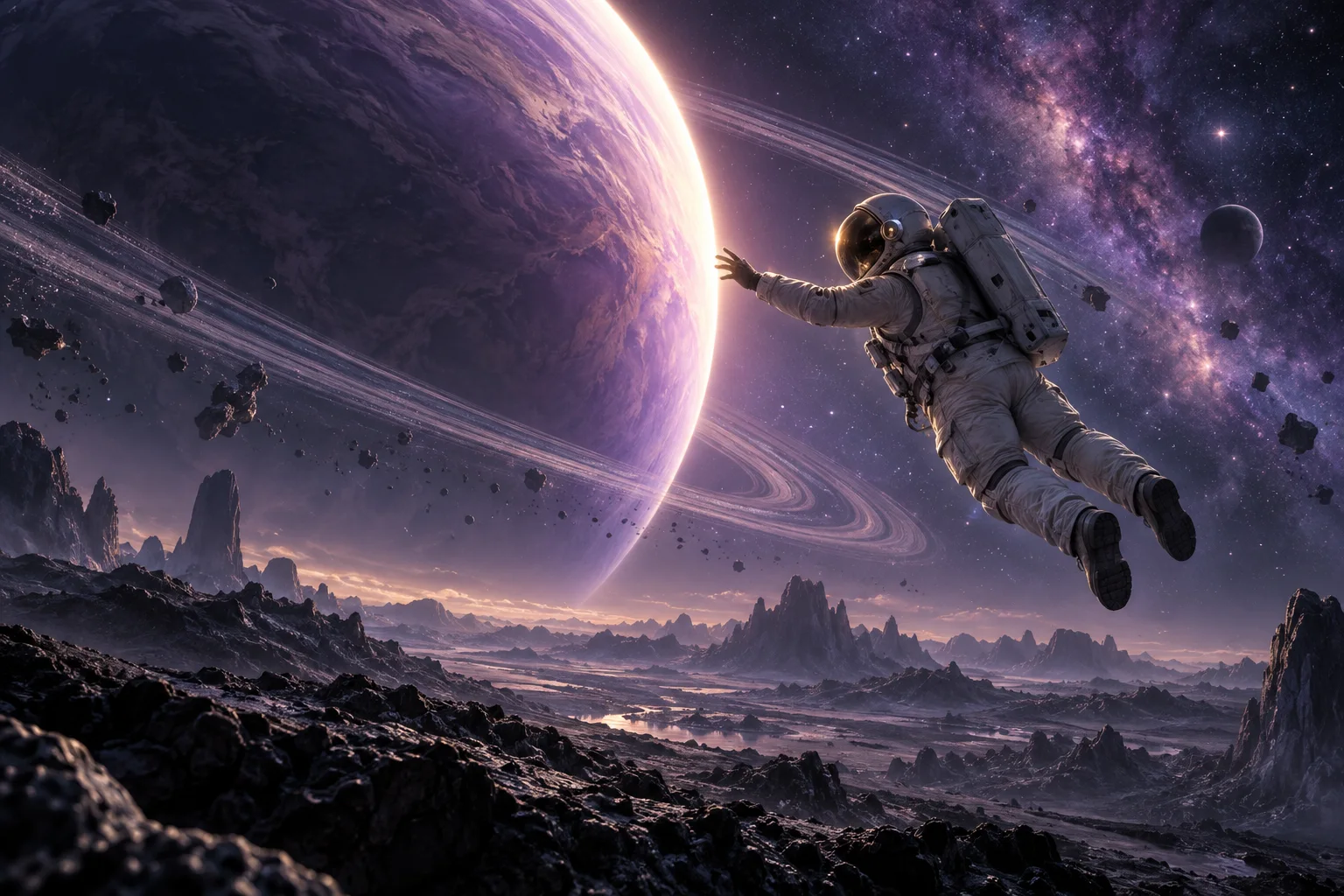
This AI TikTok video maker turns a visual idea into footage for your own edit. A tiny dragon, impossible room or curious character can support humour, stories, art and learning. Choose one subject and one visible action; add context afterwards.
9:16 · Concept artwork
01
Comedy and visual reversals
Start the TikTok video with the ordinary situation already visible, then describe one unexpected change. A miniature astronaut discovering a giant breakfast is easier to brief than several jokes at once. Use your own characters and add the punchline text later.
02
Stories and faceless ideas
Use image to video to move an original illustration, or text to video for a fictional scene. Faceless creation describes the visual approach; narration, subtitles and the arrangement of several short clips remain part of your editing workflow.
03
Explainers and product details
Make a visual analogy for a lesson, a close-up for a hobby account or a product shot for a creator review. Check factual meaning and fine details. Synthetic footage should not stand in for a real experiment or personal product test.
AI video prompt example
A comedy prompt you can adapt
A serious character meets a tiny obstacle. Keep the camera steady so the action is readable. This is a writing example, not a matching output.
Turn the same method into another idea
Try Text to Video for paper shapes showing a size comparison, or Image to Video with a product photo. Keep one action across your short clips and change only the subject when comparing AI video drafts.
An original clay astronaut stands beside a cereal bowl. A single cereal ring rolls towards the astronaut like a giant wheel; the astronaut steps aside and salutes. Fixed medium shot, handmade textures, bright kitchen light, vertical composition, gentle ceramic sounds, one continuous 8-second action, no written text.
The prompt fills text only; choose mode and settings in the AI video maker. Generating short clips uses paid credits.
Plan one TikTok beat, then generate
01
Describe the first thing viewers see
Write the subject, action and camera movement in that order. In this AI TikTok video maker, a single readable movement gives the model a simpler brief than a request for a complete trend, narrated story and multiple cuts.
02
Choose input and check the quote
Use text to video for a new scene, image to video for an opening composition, or video to video for motion guidance. Choose duration, framing and optional audio. Sign in and check the credit quote before submitting.
03
Review the action before posting
Open the completed TikTok video in My videos and inspect the opening, faces, motion and ending. Download the result, add checked captions or combine short clips externally, then use TikTok’s upload preview to review the complete post.
Prompt ideas
Make the visual joke readable
Begin with the action
Your TikTok video should not depend on a long setup inside the generated shot. Give the viewer a clear subject from the first frame and keep unnecessary objects out of the moving area.
Write sound as atmosphere
Optional AI audio can add a soft impact or room tone. Describe what supports the action, then listen carefully; particular dialogue, songs and timing are not guaranteed.
Leave room for your edit
Keep important faces or objects clear of your intended captions and platform controls. An AI TikTok video maker creates footage; check the final crop and add readable text in your editor.
AI video can include visual or audio imperfections. Review the result and each platform’s requirements before publishing. Long videos and burned-in captions need a separate editor.
Browse AI video inspiration for stories, animation, atmosphere and products. Adapt the prompts; they do not reproduce each preview.
Video inspiration
The curious companion
Social media · Video inspiration
The curious companion
A curious gray cat leans forward to take a treat from a hand at a wooden desk, warm light, an intimate playful everyday moment.
Any time is cookie time
Product films · Video inspiration
Any time is cookie time
A playful vertical cookie product animation: colorful cookies arranged like a clock on a bold blue background, energetic white kinetic typography.
The train ride home
Storytelling · Video inspiration
The train ride home
An anime story set inside a train carriage, a cheerful girl talking beside a quiet hooded passenger holding a calico cat, expressive character animation.
A little room to roam
Social media · Video inspiration
A little room to roam
A woman and her golden dog run through a sunlit green meadow, distant mountains and soft clouds, natural cinematic camera movement.
Everyday, elevated
Product films · Video inspiration
Everyday, elevated
Create a vertical lifestyle product ad for an insulated bottle with natural kitchen, gym and office moments, clear close-ups and warm realistic light.
A story in every glance
Storytelling · Video inspiration
A story in every glance
An intimate cinematic dialogue in a misty forest, expressive close-ups, soft overcast daylight and a thoughtful dramatic mood.
FAQ
TikTok creation questions
What does this AI TikTok video maker create?+
VidMake AI creates short clips from a scene prompt, image or video reference. It supports TikTok creators making comedy, art, stories, explainers and product footage; it does not assemble or publish a complete channel post.
Can I use video to video with Basic?+
Yes. Basic accepts a 2–15 second video reference; Pro accepts 2–30 seconds. You can add up to four image references for subject, scene or style guidance. Exact editing and character consistency can vary.
What length and resolution can I choose?+
Basic generates up to 15 seconds at 480p or 720p. Pro reaches 30 seconds and 1080p, with additional aspect ratios and optional first/end frames in Image to Video. Available settings appear in the generator.
Is TikTok video generation free?+
Browsing ideas is free; generating uses paid credits and requires sign-in. The form shows credits and a USD estimate. Confirmed failed jobs receive credit refunds; an uncertain submission remains pending.
Will my TikTok video go viral?+
No outcome is guaranteed. The idea, complete edit, audience and platform decisions all matter. Review your clip, reference permissions and TikTok’s current AI disclosure requirements before posting.
✳
VidMake AI
Make the next shot your own.
Cookie Settings
We use essential cookies for sign-in and optional analytics to understand site usage. You can accept or reject optional analytics and change your choice in Cookie Settings.