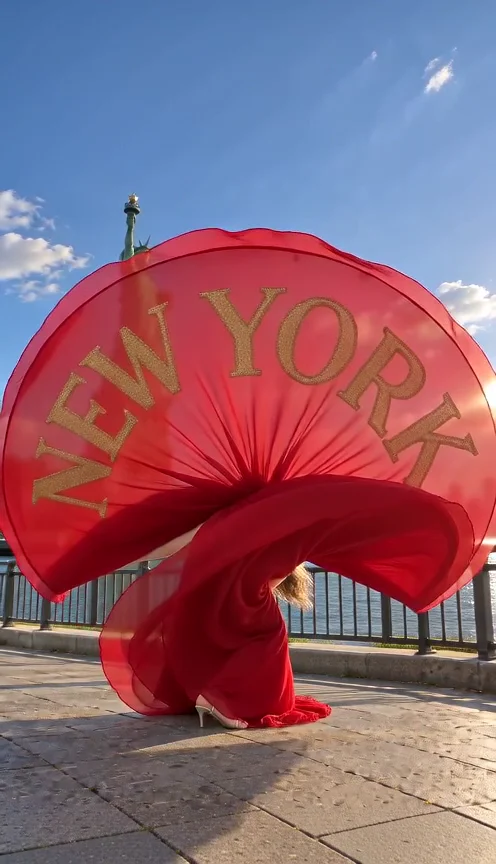
Shan Shen Bu AI Dance
Your photo, three styles: classic flash step, pet dancing, or your words on a dramatic skirt reveal.
- 1 photo
- Template soundtrack
90 creditsMake a trend video
YOUR PHOTO. YOUR TAKE.
Turn your photo into dance, rap, fantasy, and product videos.Pick a scene. Make it yours.
Scene preview
Explore AI video templates by the scene you want to join. Play a preview, check the photo requirements, and choose the dance, performance, or fantasy that fits your idea.
Shown for Basic at 480p and the previewed scene. Other scenes and settings may cost more; confirm the quote in the template.
Showing 8 templates
Your photo, three styles: classic flash step, pet dancing, or your words on a dramatic skirt reveal.
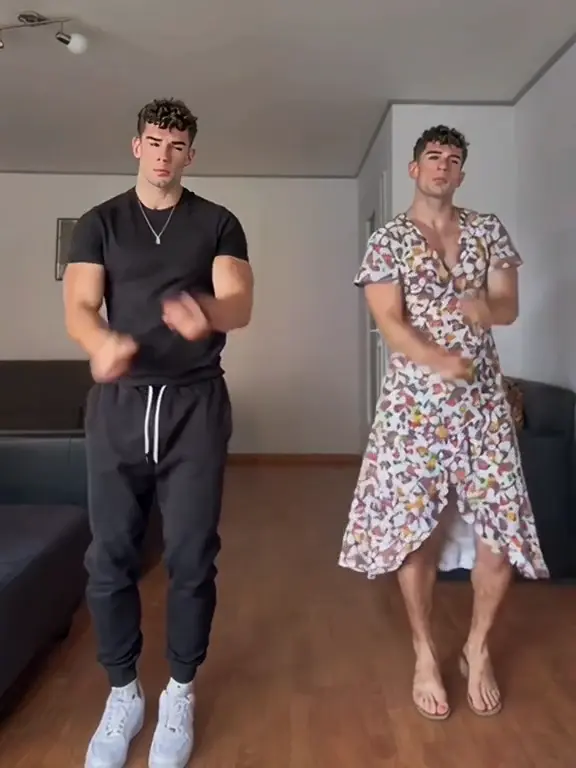
A twin-dance AI video template: your outfit on the left, a floral dress on the right.
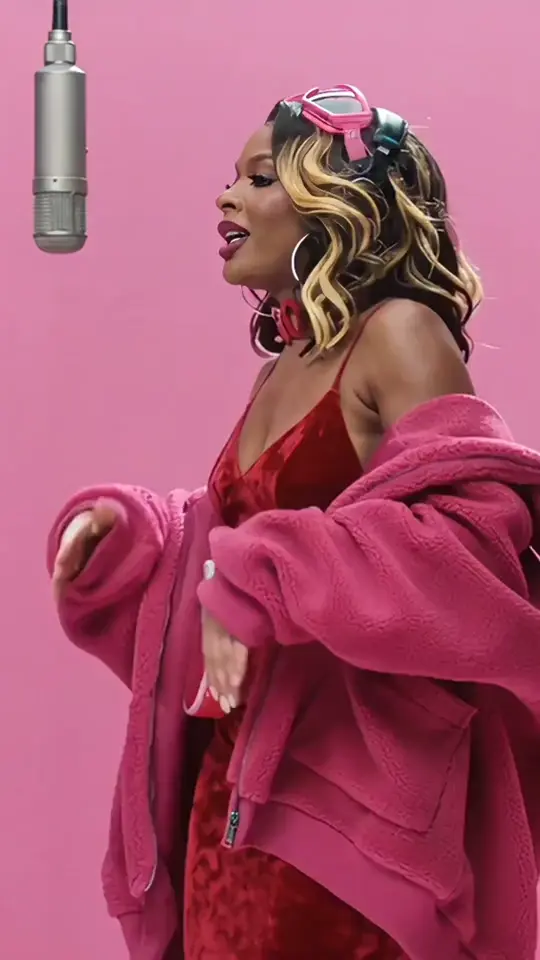
A pink-stage trend video with a photo-guided performance and the template soundtrack.
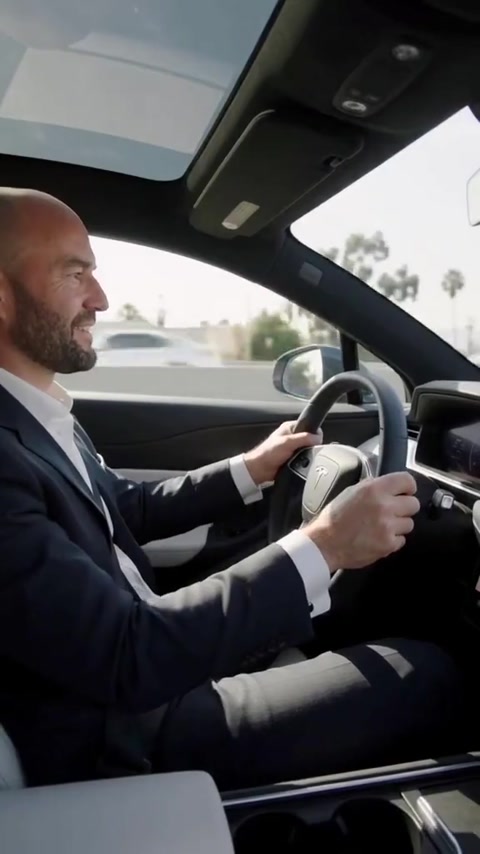
A flying-car trend video with your portrait as the driver; choose another scene inside.
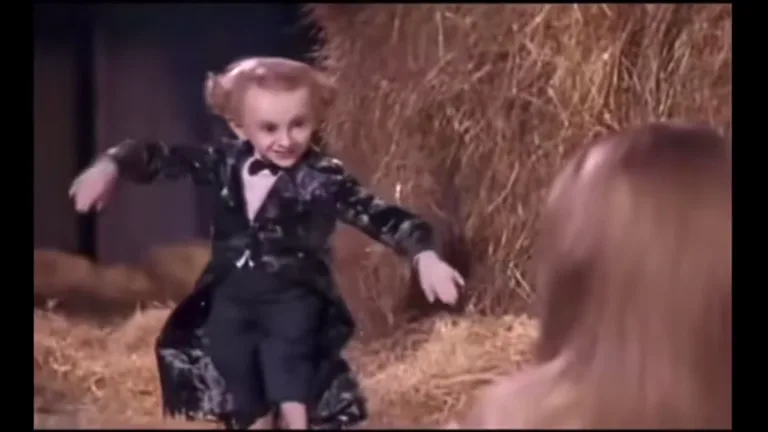
An AI video template for a mischievous barn dance, with an optional watcher role.
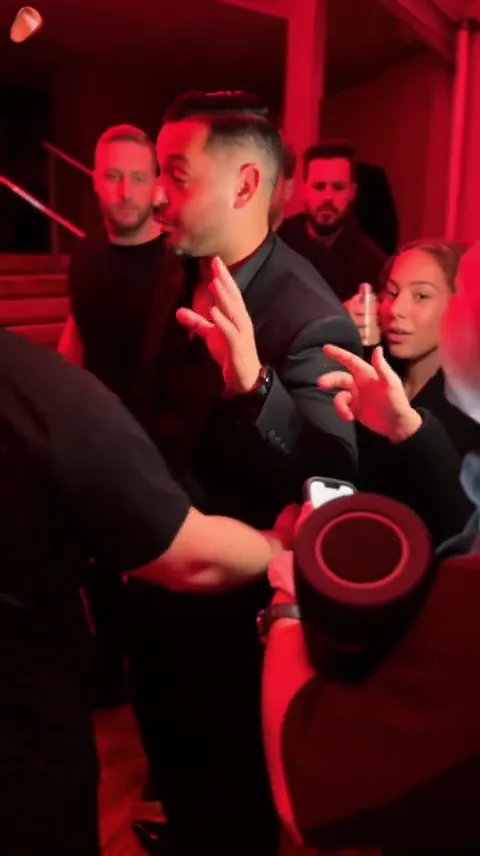
Cast a close-up rap performance with your portrait; other scenes are available in the tool.
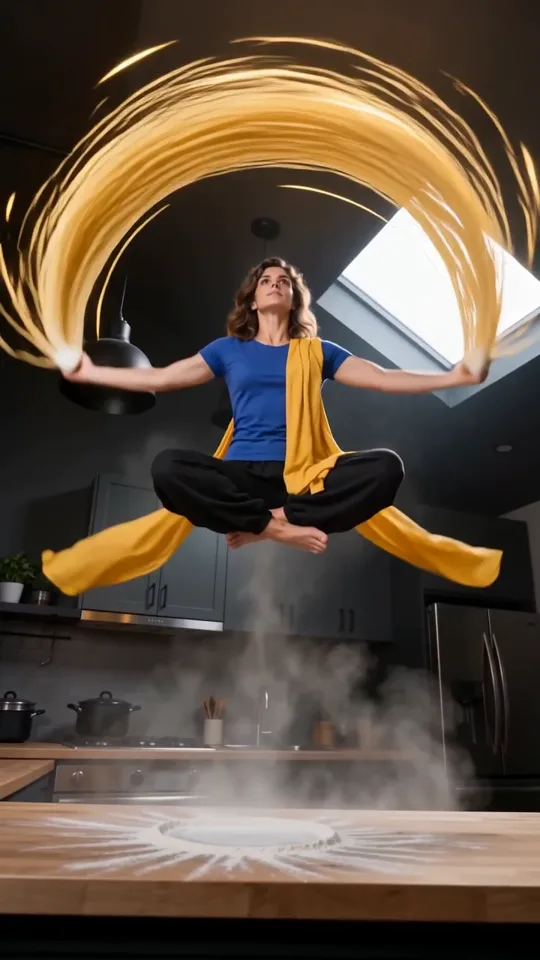
A fantasy trend video with flying noodles and a steaming bowl of ramen.
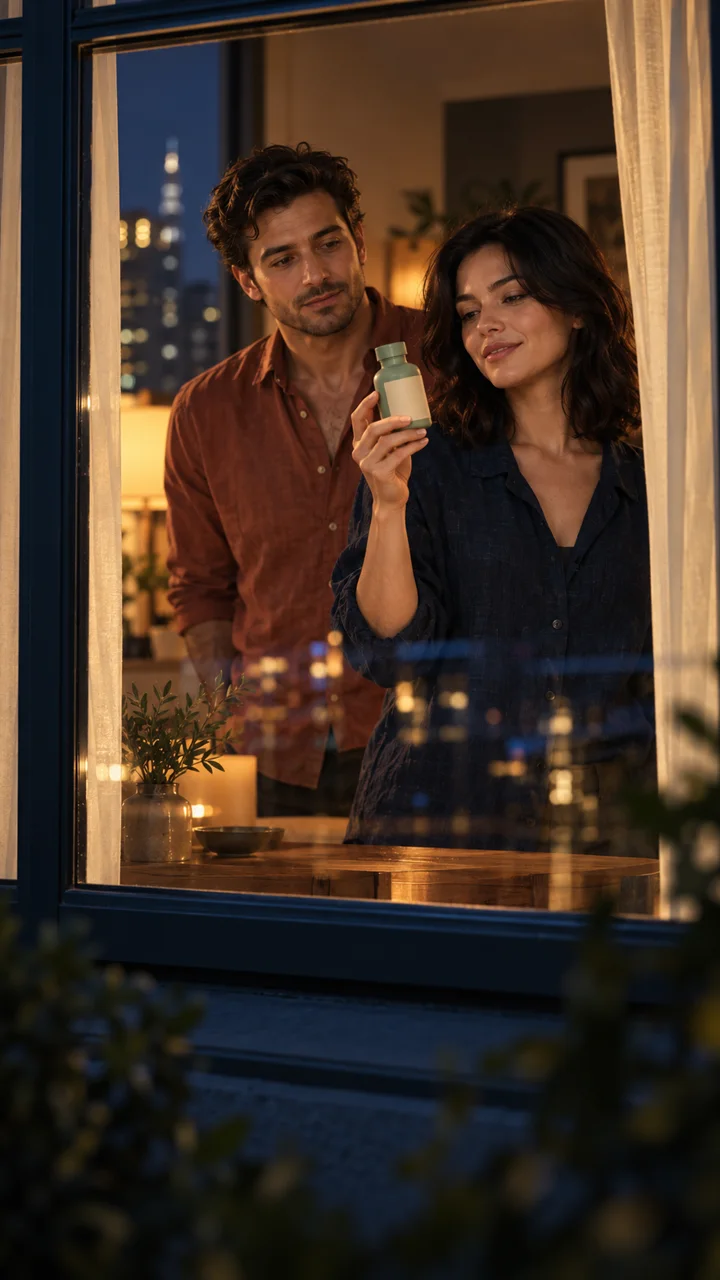
A product-ad trend video: add your product photo, with optional portraits for the lead and companion.
Previews show the scene direction. Your generated video may differ in appearance, movement, timing, and sound. Shan Shen Bu is available in English, Simplified Chinese and Traditional Chinese. Other template tools open in English.
Choose AI video templates when you want a prepared performance. The scene supplies the action; your photo guides the character. Check the named photo slots, framing, soundtrack, and credits before opening a trend video. No prompt writing is needed.
Choose a trendUse the AI video generator workspace for an original scene. Start with text, animate an image, or guide movement with a supported video upload. Choose the available duration, framing, and audio settings. Video to video generates a new interpretation, so exact copying is not guaranteed.
Start from scratchCompare AI video templates by action, framing, and sound. Abra Kadabra has twin dancers; Tiptoeing has a dancer and an optional watcher in a landscape scene. Use the filters to narrow your choice.
Follow the AI video template’s named photo slots and file limits. Use clear photos of yourself or an adult who agreed. Product scenes need a product photo. Avoid covered faces or ambiguous group images.
Sign in and confirm the exact credits for your trend video. Each generation uses credits; confirmed failed jobs return deducted credits. Check pending jobs before retrying. Review the MP4 for visual and audio errors, then download it for final edits and publishing.
Create beyond AI video templates with the AI video generator below. Describe the subject, one action, and the camera movement. Bring your own image or video reference when useful, choose settings, and confirm the quote before generating.
Basic · Up to 15 s · 480p / 720p
See the exact credit quote before generating. Confirmed failed jobs receive their deducted credits back.
A viral AI video generator helps you create short videos inspired by social media formats. VidMake AI focuses on photo-based AI video templates for dance, rap, fantasy, and products. You can also create from your own brief. “Viral” describes the creative direction; it does not promise views or recommendations.
Browsing AI video trends and available previews is free. Generating a trend video requires sign-in and paid credits. Review the selected scene, model, resolution, and quote before submitting; see Pricing for credit plans.
Use your own photo or an adult’s photo with their agreement. Follow the AI video template’s photo and privacy requirements. Do not upload images without permission or present a synthetic scene as that person’s real experience.
Abra Kadabra and Juicy include their template soundtrack. Other AI video templates use generated sound, which does not guarantee the original song or voice. Read the audio description, listen to your result, and check your publishing permissions.
The scene, model, resolution, and applicable duration affect the quote. Cards show Basic at 480p for the previewed scene. Compare AI video templates using their quotes, then confirm inside your chosen tool. Confirmed failed generations return deducted credits.
Download your trend video, review its content and sound, and check the destination’s framing and publishing rules. Some templates are landscape or portrait rather than vertical. Add captions, cropping, or other final edits externally; VidMake AI does not post automatically.
No tool can guarantee views or recommendations. AI video trends give you a format to experiment with, while the idea, editing, audience, and platform all affect results. Use your own perspective, review the video carefully, and follow the platform’s rules.
VidMake AI