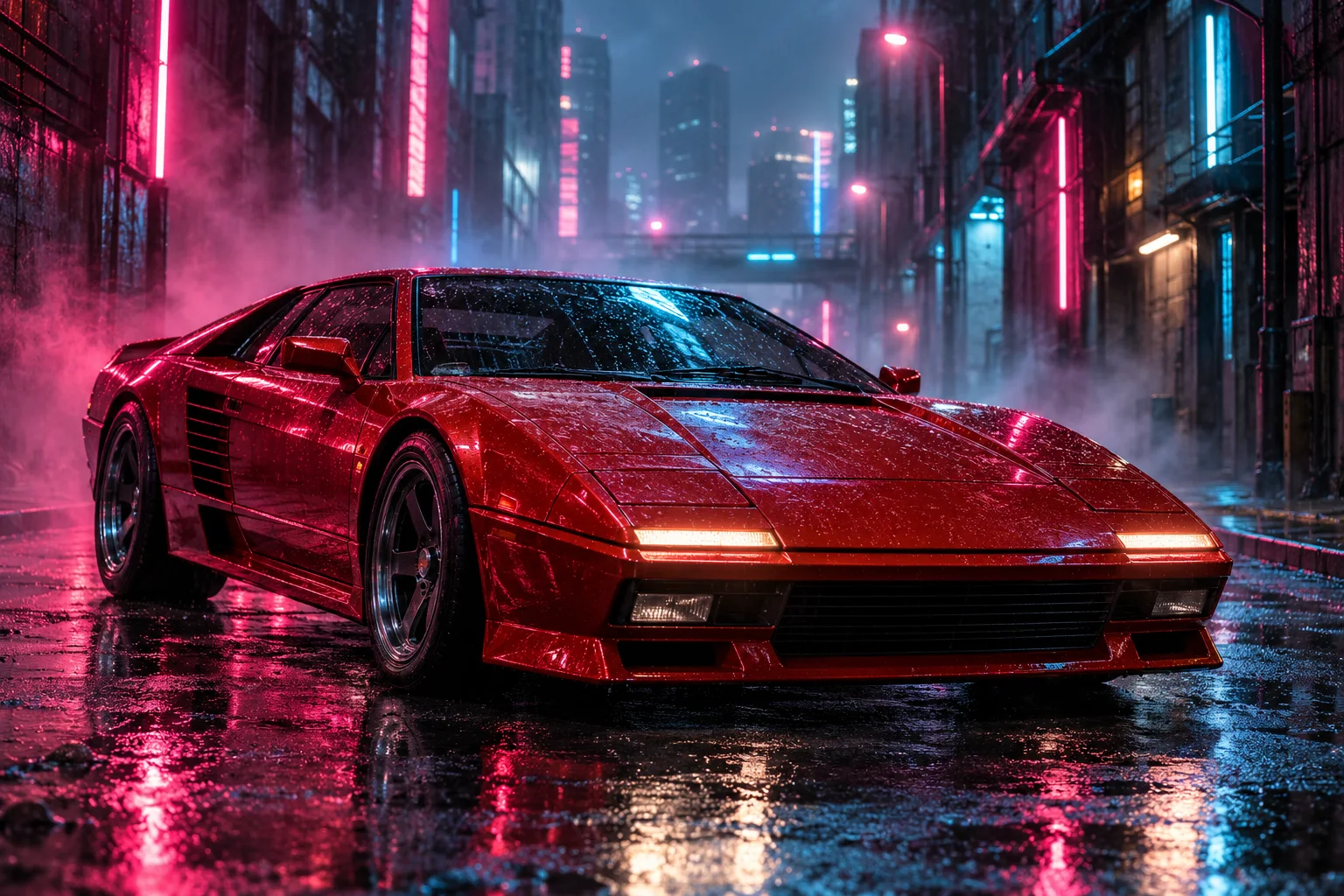
This AI YouTube video maker creates short clips for a larger edit: a visual analogy, fictional location or opening for a hobby tutorial. Start with the narration the shot supports, then describe what viewers need to see. Your full production stays in your editor.
16:9 · Concept artwork
01
Knowledge and video essays
Use a simple visual analogy to support checked narration. Text to video can explore an imagined library, machine or landscape; generated movement is illustrative and should not be presented as evidence that an experiment happened.
02
Stories and creator introductions
Make an establishing shot for a fictional world, a quiet opening or a channel mood. Image to video can begin with your original artwork. Arrange the finished short clips around your script in a separate editor.
03
B-roll for hobbies and reviews
Create an atmospheric cutaway, material close-up or visual transition for your YouTube video. Use real recordings when a claim depends on actual testing. Synthetic footage should not imply personal experience, product performance or a historical recording.
AI video prompt example
Shot brief: establish a fictional location
Introduce a fictional research station. Keep the building readable in a wide frame and approach slowly. This is a single-shot brief, not a timeline editor.
Match the footage to the narration
Try Text to Video for a distant establishing view or Image to Video with original location art. Keep the narration’s purpose clear across your short clips. The AI video illustrates a scene; you research and check the explanation.
A small fictional research cabin on an icy moon, warm light glowing through one window, snow moving across the foreground. Wide 16:9 establishing view, camera approaches slowly without cutting, cool twilight with a warm focal point, quiet wind, one continuous 10-second shot, no text or logos.
The prompt fills text only; choose mode and settings in the AI video maker. Generating short clips uses paid credits.
Brief a shot from your edit
01
Name the shot’s role
Write whether the YouTube video needs an establishing view, a detail or a visual analogy. Start at 16:9 for a widescreen project, then check the subject’s position against the neighbouring shots you plan to use.
02
Choose references and settings
Use text to video for a new scene or image to video for a starting composition. Video to video can guide movement with additional subject, scene or style images. Select output settings and review the credit quote before submitting.
03
Check continuity in the complete edit
Download the result from My videos and compare its colour, direction of movement and sound with the rest of your YouTube video. Add precise narration, captions and final audio externally. Open a completed clip in Video to Video when you want a separately priced revision.
Prompt ideas
Make B-roll serve the story
Avoid redundant movement
A YouTube video with an active narrator may need calm supporting footage. Describe a restrained camera and one subject action rather than several simultaneous events.
Check adjacent shots
Match the screen direction and approximate light to your edit. Exact continuity across generations is not guaranteed, so select and trim the short clips that work together.
Keep factual context clear
Label imagined or reconstructed footage where viewers could mistake it for a real recording. This AI YouTube video maker supplies creative footage; your research and editorial judgement provide the factual explanation.
AI video can include visual or audio imperfections. Review the result and each platform’s requirements before publishing. Long videos and burned-in captions need a separate editor.
Browse AI video inspiration for stories, animation, atmosphere and products. Adapt the prompts; they do not reproduce each preview.
Video inspiration
A story in every glance
Storytelling · Video inspiration
A story in every glance
An intimate cinematic dialogue in a misty forest, expressive close-ups, soft overcast daylight and a thoughtful dramatic mood.
A little room to roam
Social media · Video inspiration
A little room to roam
A woman and her golden dog run through a sunlit green meadow, distant mountains and soft clouds, natural cinematic camera movement.
The train ride home
Storytelling · Video inspiration
The train ride home
An anime story set inside a train carriage, a cheerful girl talking beside a quiet hooded passenger holding a calico cat, expressive character animation.
The curious companion
Social media · Video inspiration
The curious companion
A curious gray cat leans forward to take a treat from a hand at a wooden desk, warm light, an intimate playful everyday moment.
Everyday, elevated
Product films · Video inspiration
Everyday, elevated
Create a vertical lifestyle product ad for an insulated bottle with natural kitchen, gym and office moments, clear close-ups and warm realistic light.
Any time is cookie time
Product films · Video inspiration
Any time is cookie time
A playful vertical cookie product animation: colorful cookies arranged like a clock on a bold blue background, energetic white kinetic typography.
FAQ
YouTube footage questions
Can this AI YouTube video maker make a complete long video?+
It creates short clips for B-roll, intros and visual ideas. A full tutorial, documentary or video essay needs your script, narration and external editing. It does not assemble a complete long-form production.
Can I turn an article URL into a narrated video?+
No. Enter a scene prompt or supply an image or video reference. VidMake AI does not fetch an article, research its claims, write a complete script or add automatic subtitles.
Can I generate a 1080p YouTube video?+
Pro supports up to 1080p and 30 seconds per clip. Basic supports up to 15 seconds at 480p/720p. More detailed settings, including optional audio and supported ratios, are shown in the generator.
Can I use an existing video as a reference?+
Yes. Video to video accepts a 2–15 second reference with Basic or 2–30 seconds with Pro, plus up to four images. It guides a new generation; exact frame-by-frame edits are not guaranteed.
Does AI footage guarantee YouTube monetisation?+
No. The complete work and YouTube’s current policies determine acceptance and monetisation. Review rights, disclosure, facts and the generated sound. Paid credits are quoted before generation; no revenue or view count is promised.
✳
VidMake AI
Make the next shot your own.
Cookie Settings
We use essential cookies for sign-in and optional analytics to understand site usage. You can accept or reject optional analytics and change your choice in Cookie Settings.